
Customer Relationship Management: Core Features, Pricing, Types, Integrations, Setup Time, Hidden Costs, Compliance, Metrics, Data Quality, Deployment

Customer relationship management is a system of practices and software that records and organizes customer interactions and data over time. Key aspects include pricing, core features, integrations, types, hidden costs, setup time, metrics, compliance, deployment, and data quality. In digital marketing, this system collects details from websites, emails, social media and purchases, then stores them in one profile for each contact. You can use those profiles to see which messages a person has received, which pages they visited and where they stand in the buying process. Marketing teams rely on this data to segment audiences, automate email sequences and measure how campaigns lead to sales. A digital marketing consultant often helps map these data flows so that forms, ad platforms and the central database stay consistent. This article explains the main types, how pricing works, the hidden costs that appear after setup, the core features and the integrations you are likely to encounter.
Key Takeaways
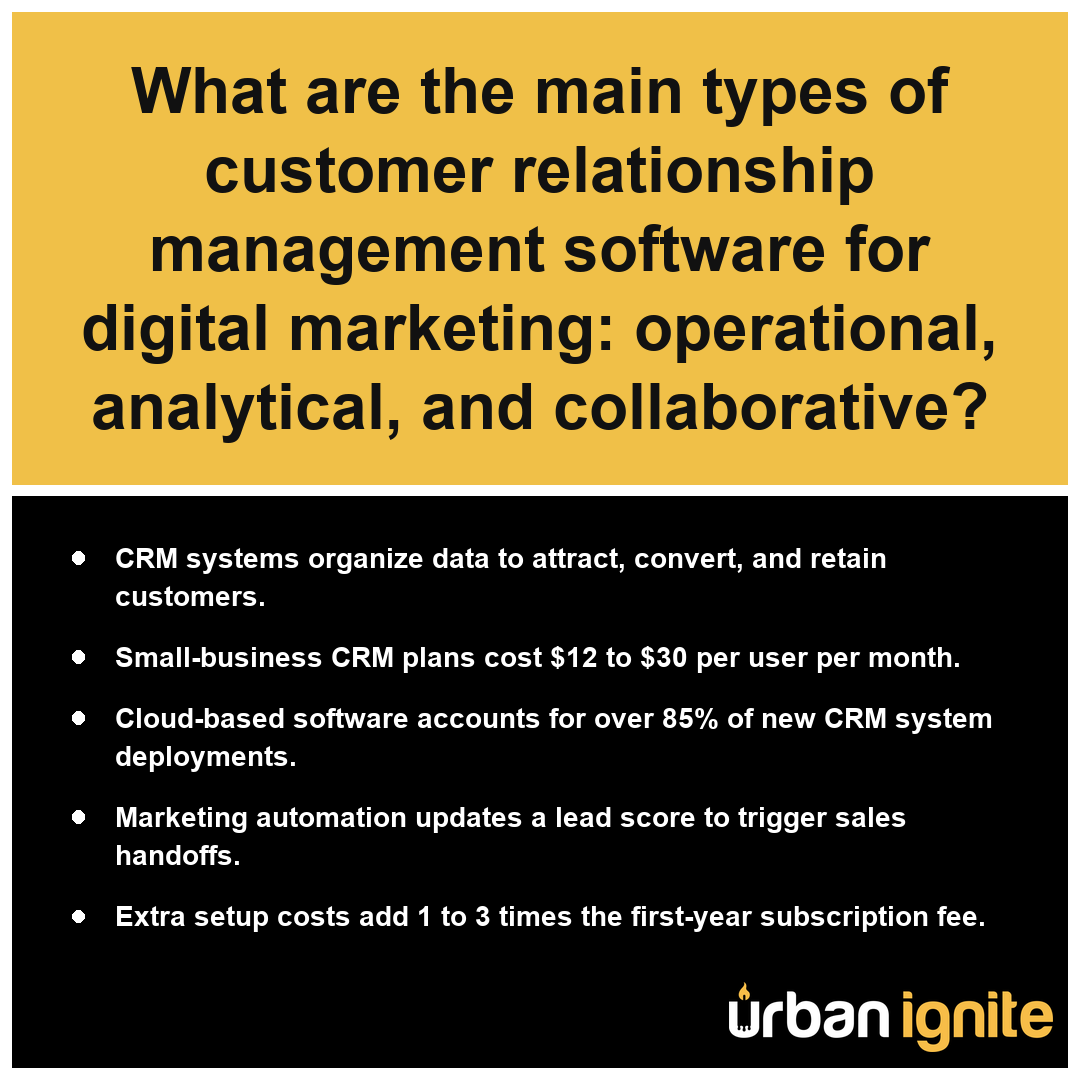
- CRM systems organize data to attract, convert, and retain customers.
- Small-business CRM plans cost $12 to $30 per user per month.
- Cloud-based software accounts for over 85% of new CRM system deployments.
- Marketing automation updates a lead score to trigger sales handoffs.
- Extra setup costs add 1 to 3 times the first-year subscription fee.
What Are the Main Types of Customer Relationship Management Systems for Digital Marketing?
The main types of customer relationship management systems for digital marketing are operational, analytical, and collaborative CRM, each serving distinct functions in your marketing lifecycle.
Operational CRM for Campaign and Sales Workflows
An operational CRM system focuses on streamlining your daily tasks. It automates your marketing communications and manages sales pipelines by centralizing interactions. This type is essential if you need to automate email sequences or track how contacts move through your funnel.
Analytical CRM for Segmentation and Reporting
An analytical CRM system processes the data gathered across your touchpoints to provide actionable intelligence. It transforms raw contact inputs into strategic reports that help you refine your marketing approach.
Using Customer Lifetime Value and Churn Rate in Analysis
You can use an analytical CRM system to calculate metrics that define your long-term success. These metrics provide a clear view of how effectively your marketing spend translates into sustained revenue.
| Metric | Marketing Significance |
|---|---|
| Customer Acquisition Cost | Determines your budget efficiency per new lead. |
| Customer Lifetime Value | Identifies your most profitable customer segments. |
| Churn Rate | Signals when to adjust retention messaging. |
Which Type of Collaborative CRM Fits a Marketing Team?
A collaborative CRM system connects your marketing, sales, and support departments to ensure consistent communication. Per the National Institute of Standards and Technology, these systems are designed to integrate communication channels across an entire business to ensure a seamless flow of information between internal departments and external customers. It is the right fit for your team if you require a unified customer record to prevent redundant outreach and ensure everyone works from the same data set. Over 85% of these systems now rely on cloud-based software as a service models to facilitate this team-wide access.
Compare the complexity of your current data silos against the inter-departmental visibility required for your next campaign to choose the most efficient system architecture.
To improve cross-departmental alignment, collaborative CRM systems focus on these key integration areas:- Centralizing communication logs to provide a unified history of customer interactions across all departments.
- Synchronizing contact data in real-time to prevent conflicting messaging from different team members.
- Facilitating internal feedback loops that allow marketing teams to refine lead generation based on support ticket trends.
- Standardizing access permissions to ensure data privacy while maintaining transparency across sales and service roles.
Core Features a Customer Relationship Management System Needs for Digital Marketing
Core features a customer relationship management system needs for digital marketing are those that bridge the gap between initial prospect interest and final conversion through data consolidation and automated communication. Because B2B web leads typically see a conversion rate of only 2% to 5%, your CRM must provide the precision tools necessary to maintain database health, as contact data decays by about 25% to 30% per year. Harvard Business Review reports that effective digital marketing integration relies on establishing a centralized customer database to ensure a single version of the truth across all interaction channels.
| Performance Metric | Benchmark Data | Strategic Impact of CRM Integration |
|---|---|---|
| Annual Lead Data Decay | 25% – 30% | Requires automated database health checks and regular contact record updates. |
| Average B2B Conversion Rate | 2% – 5% | Necessitates precise lead scoring and multi-channel engagement tracking. |
| Interaction Synchronization | Single Source of Truth | Eliminates data silos to prevent fragmented customer journey mapping. |
B2B Lead Metrics and Data Decay
- Contact management: Maintains a centralized customer record containing all historical interactions, form fills, and purchase data.
- Lead scoring: Assigns a numerical value to prospects based on specific digital behaviors to help prioritize follow-up efforts.
- Pipeline tracking: Visualizes the progression of prospects through various stages of the buying cycle.
- Email sequencing: Automates personalized messaging based on triggers and previous engagement levels.
- Segmentation: Organizes contacts into groups for targeted campaigns, allowing you to track customer lifetime value and churn rate across different audience subsets.
- Dashboards and reporting: Translates raw interaction data into actionable insights regarding customer acquisition cost and overall campaign performance.
- Integrations: Connects directly with ad platforms, websites, and marketing automation to ensure data flows between systems without manual entry.
Audit your current data entry processes to determine if your prospective system supports automated validation to counteract the standard annual contact decay.
Beyond the core functions mentioned, these additional capabilities optimize your digital marketing infrastructure:- Automated workflow triggers that immediately route high-intent leads to sales representatives based on real-time behavior.
- Behavioral segmentation tools that automatically categorize contacts into dynamic lists for personalized content delivery.
- Closed-loop reporting that connects marketing campaign spend directly to final revenue figures for accurate ROI calculations.
- Integration APIs that synchronize CRM data with third-party advertising platforms for precise audience retargeting.
How Much Customer Relationship Management Software Costs Per User Per Month for a Small Business
The cost of customer relationship management software for a small business typically ranges from $12 to $30 per user per month. This baseline subscription fee covers access to core infrastructure, allowing your team to organize contact data and track interactions within a single system. While these monthly license fees provide the primary gateway to utilizing a CRM, they represent only a portion of the financial commitment required to maintain an operational system. Because cloud-based software as a service accounts for over 85% of new deployments, most small businesses find their expenses tied to these predictable, recurring seat-based models rather than heavy upfront capital investment. According to Journal of Small Business Management, the adoption of these cloud-based systems in the United States is strongly linked to standardized per-user pricing models that scale from basic contact management fees to higher tiers for advanced digital marketing automation.
| CRM Subscription Level | Monthly Investment per Seat | Primary Operational Capacity |
|---|---|---|
| Free Tier | $0 | Fundamental contact storage and manual interaction tracking |
| Small-Business Entry | $12 – $30 | Standardized pipeline management and core system infrastructure |
| Mid-Tier | $50 – $100 | Advanced workflow automation and marketing integration |
| Enterprise-Grade | $300+ | Large-scale digital architecture and comprehensive data ecosystems |
CRM Monthly Cost per User by Tier
When you evaluate potential plans, consider how these pricing tiers correlate with the specific operational scale of your marketing efforts:
- Free tiers: Suitable for basic contact storage and simple tracking at $0 per user per month.
- Small-business entry plans: Generally cost $12 to $30 per user per month for standard pipeline management.
- Mid-tier plans: Often range from $50 to $100 per user per month, including more advanced automation features.
- Enterprise-grade solutions: Start at $150 to $300 or more per user per month for complex integration requirements.
Review the specific feature limitations of the lowest-priced tiers to ensure they do not omit essential automation tools you will require as your lead volume increases.
Beyond the recurring subscription fees, consider these additional cost drivers when budgeting for your CRM deployment:- Data migration fees for importing existing records from legacy spreadsheets or competing platforms.
- Custom implementation charges for specialized API integrations with your email, accounting, or e-commerce software.
- Training and onboarding expenses to ensure staff proficiency with the selected interface.
- Premium support service add-ons for dedicated account management or priority technical assistance.
- Third-party plugin or marketplace extension costs required for niche industry functionality.
Hidden Costs on Top of a Customer Relationship Management Subscription
Hidden costs on top of a customer relationship management subscription refer to the secondary expenses required to make the software functional for your specific business requirements. While the base monthly fee covers your access to the system, organizations often find that the initial price tag does not account for the extensive labor and technical resources needed to achieve a full deployment. According to Gartner, data integration costs frequently require additional investment beyond subscription fees as organizations must map and clean legacy information to ensure system interoperability. For mid-size and larger firms, these secondary activities frequently add roughly 1 to 3 times the first-year subscription cost to the total project budget.
| Hidden Cost Category | Technical Driver | Estimated Budget Impact (First-Year) |
|---|---|---|
| Data Migration | Cleansing, formatting, and mapping legacy database records | 1.0x – 1.5x Base Subscription |
| System Customization | Configuring proprietary sales funnels and reporting logic | 0.5x – 1.0x Base Subscription |
| Integration Architecture | Connecting ad platforms, e-commerce, and email services | 0.5x – 1.0x Base Subscription |
| Data Hygiene Training | Mitigating 30% annual B2B contact decay | 0.25x – 0.5x Base Subscription |
B2B Data Decay & Project Cost Multipliers
- Data migration: The complex process of cleansing, formatting, and importing existing customer records from legacy spreadsheets or old databases.
- Implementation and customization: Tailoring the CRM system to match your unique sales funnels, custom fields, and specific reporting requirements.
- System integrations: Technical work required to connect your CRM with external ad platforms, email services, and e-commerce stores to ensure data flows correctly.
- Staff training: Dedicated hours or sessions required to teach your team how to maintain data integrity, especially since B2B contact data experiences an annual decay of about 25% to 30% per year.
- Ongoing maintenance: Regular audits and technical adjustments needed to keep your workflows efficient after the initial 3 to 12 months of enterprise rollout or 2 to 6 weeks for smaller setups.
Audit your current data quality and internal technical capacity to determine if you need to set aside an additional contingency budget for third-party implementation experts.
Beyond the technical integration and migration hurdles, consider these administrative and operational factors that frequently impact your final CRM budget:- Seat Over-Provisioning: Paying for enterprise-tier licenses for seasonal or infrequent users that remain underutilized.
- API Call Overages: Exceeding monthly data transfer limits triggered by high-frequency syncs between marketing automation tools and the CRM.
- Security Compliance Audits: Costs associated with implementing SOC2, GDPR, or HIPAA-compliant data handling protocols requested by legal departments.
- Performance Tuning: Recurring expenses for third-party consultants to optimize dashboard load times and query speeds as the database scales.
How Customer Relationship Management Connects With Email, Ad Platforms, and Marketing Automation to Score Leads for Sales Handoff
A CRM system connects with email, ad platforms, and marketing automation by acting as the centralized hub that tracks digital behaviors to calculate a lead score, which determines when a contact is ready for a sales handoff. By integrating these channels, the CRM system captures granular data—such as website visits, email clicks, and ad interactions—and assigns numerical values to these actions to prioritize your outreach efforts. According to the Journal of Marketing, effective lead scoring systems rely on the consistent synchronization of behavioral data from digital touchpoints to CRM databases to improve the alignment between marketing qualified leads and sales pipeline conversion.
| Digital Touchpoint | Data Integration Method | Scoring Logic Impact | Sales Readiness Trigger |
|---|---|---|---|
| Email Campaigns | Click-through/Open tracking | Increments score for intent signals | High engagement alerts |
| Ad Platforms | Conversion pixel syncing | Adjusts score based on ad-spend ROI | Re-targeting priority |
| Website Behavior | Script-based session monitoring | Weighted for high-value pages (e.g., Pricing) | Immediate sales notification |
| Content Downloads | Form submission syncing | Milestone-based score acceleration | Lead qualification transition |
- The CRM system pulls behavioral data from email software, ad platforms, and website tracking scripts into a unified customer record.
- Marketing automation applies predefined rules to this data, increasing or decreasing the lead score based on specific milestones like downloading a whitepaper or visiting a pricing page.
- When a contact hits a specific lead score threshold, the CRM system automatically triggers a notification or assigns a task to the sales team for immediate follow-up.
- Sales teams view the full history of touchpoints within the customer record, ensuring they have the context necessary to convert the lead.
Audit your lead scoring criteria regularly to ensure the handoff thresholds align with the current conversion performance of your most qualified prospects.
Implementing an automated lead scoring framework involves several technical configurations to ensure data integrity and actionable insights:- Webhook Configuration: Establish real-time API callbacks to push event-level data from third-party tools directly into the CRM’s custom fields.
- Normalization of Data Types: Standardize behavioral event formats across different platforms to ensure the CRM’s scoring engine calculates values consistently.
- Decay Modeling: Apply time-based multipliers to scores so that interest signals from older interactions lose weight, preventing stale leads from remaining in the active pipeline.
- Threshold Validation: Periodically audit the conversion rates of your defined “Sales Readiness” triggers to ensure the score thresholds reflect current buyer behavior.
Frequently Asked Questions
How long does it take to set up a customer relationship management system for a small business versus an enterprise?
A small business rollout takes about 2 to 6 weeks, whereas an enterprise deployment typically takes 3 to 12 months. These timelines reflect the complexity of data migration, system integration, and staff training required to fully operationalize a CRM system across different organizational scales.
Should a digital marketing team choose cloud-based, on-premise, or hybrid customer relationship management software?
A digital marketing team should prioritize cloud-based software as a service, which accounts for over 85% of new deployments. This approach offers the most flexibility for integrating marketing automation and data analytics while avoiding the heavy maintenance burdens associated with traditional on-premise or complex hybrid infrastructure installations.
Which customer relationship management metrics should marketers track, such as customer lifetime value, churn, and acquisition cost?
Marketers should track customer acquisition cost, customer lifetime value, churn rate, retention rate, conversion rate, and net promoter score. Monitoring these core metrics allows teams to measure the financial efficiency of their CRM system and identify how specific interactions influence long-term buyer behavior and overall profitability.
How do duplicate and outdated contact records affect customer relationship management campaigns and AI lead scoring?
Duplicate and outdated records severely degrade performance because B2B contact data decays about 25% to 30% per year. Poor data quality disrupts personalization and causes inaccurate lead score calculations, as automated systems struggle to correctly track interactions or determine when to trigger a handoff to the sales team.
How does customer relationship management stay compliant with CAN-SPAM, TCPA, and privacy laws like the California Consumer Privacy Act?
Compliance in customer relationship management is maintained by using the CRM system as a central database to manage explicit consent, opt-out preferences, and data deletion requests. By centralizing these permissions within every customer record, you ensure that automated marketing activities remain aligned with regional and industry-specific data privacy regulations.